Wake up to YouTube — fresh every morning
A fresh Short from your favorite channel every day, a specific video you choose, or a meditation video to fall asleep to. Your alarm, your content.
- Auto-plays the newest Short from any channel daily
- Set a specific video as your alarm
- Multiple sleep timers for meditation & ambient videos
- 30-day free Pro trial — all features unlocked
- Set as your default Android alarm app
- Survives reboots, Doze mode & battery saver
Free to try — 30-day Pro trial included
How It Works.
Pick your content
Enter a YouTube channel for fresh daily Shorts, paste a specific video URL, or browse curated sleep & meditation suggestions.
Set your alarm
Choose the time, select which days, and fine-tune playback settings like volume, replays, and rising volume.
Wake up inspired
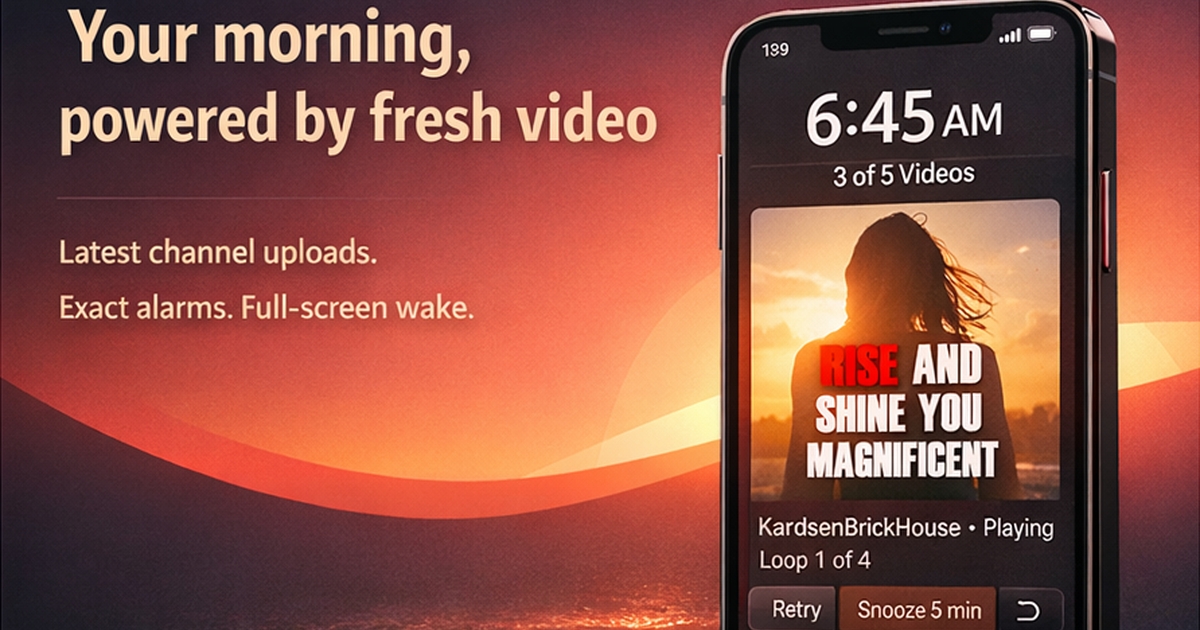
Your video plays full-screen — even over your lock screen. A new Short every day keeps it fresh. Snooze or dismiss with one swipe.
Features.
Fresh Content Daily
Automatically finds the newest Short from your chosen channel — a different video every morning.
Reliable Delivery
Uses Android's exact alarm API — survives Doze mode and reboots.
Sleep Timer
Fall asleep to meditation, ambient, or lo-fi videos. Run multiple countdown timers at once, volume fades gradually, and curated sleep videos are suggested.
Customize Every Alarm
Per-Alarm Customization Pro
Different channel, volume, replays, and duration for each alarm.
Rising Volume Pro
Gentle wake-up: volume ramps from whisper to full over 30 seconds.
Playlist Mode Pro
Play multiple Shorts in sequence — skip blocked videos automatically.
Specific Video Pro
Paste any YouTube URL — a motivational speech, your favorite song, a calming video — and wake up to that exact video every time.
Alarm Labels
Name your alarms so you know exactly why they're going off. Labels display on the alarm screen.
Interval Scheduling Pro
Schedule alarms every X days from a start date — perfect for reminders that don't follow a weekly pattern.
Built for Heavy Sleepers
Smart Snooze Pro
Configurable snooze duration that progressively shortens each time — nudging you awake faster.
Dismiss Challenges Pro
Force yourself awake with math problems, shake-to-dismiss, QR code scanning, barcode scanning, or typing challenges. Configurable difficulty and shake count.
Wake-Up Confirmation Pro
After dismissing, a confirmation screen ensures you're actually awake — with optional motion detection and configurable timeout.
Stay Accountable
Streak, Stats & Badges
Track your alarm streak, weekly count, snooze rate, dismiss spread, and average wake time. Earn badges for consistency milestones.
Alarm with Friends
Create or join friend groups and share alarm metrics — streaks, snooze rates, wake times, and 7-day activity. Hold each other accountable.
Skip Dates
Mark holidays or days off so your alarm silently skips — no need to toggle anything.
Swipe Gestures
Swipe down to dismiss, swipe left to snooze — fast controls when you're half asleep. Toggle on or off in settings.
Alarm Archive Pro
Soft-delete alarms to keep their history and stats. Toggle recording on or off per alarm.
Test Alarm
Preview the full alarm experience before you rely on it — test from settings anytime.
Built for Peace of Mind
Auto Backup
Alarms and settings are backed up automatically via Android. Reinstall and pick up where you left off.
Dark Mode
Switch between System, Light, and Dark themes. Your preference is saved and applied instantly.
Channel Suggestions
Not sure which channel to pick? Curated suggestions help you discover great wake-up content.
Default Alarm App
Set YT Shorts Alarm as your default Android alarm handler — setting alarms from the clock app or Google Assistant launches directly into the app.
Privacy First
No accounts. No tracking. No ads. All data stays on your device.
See It in Action.
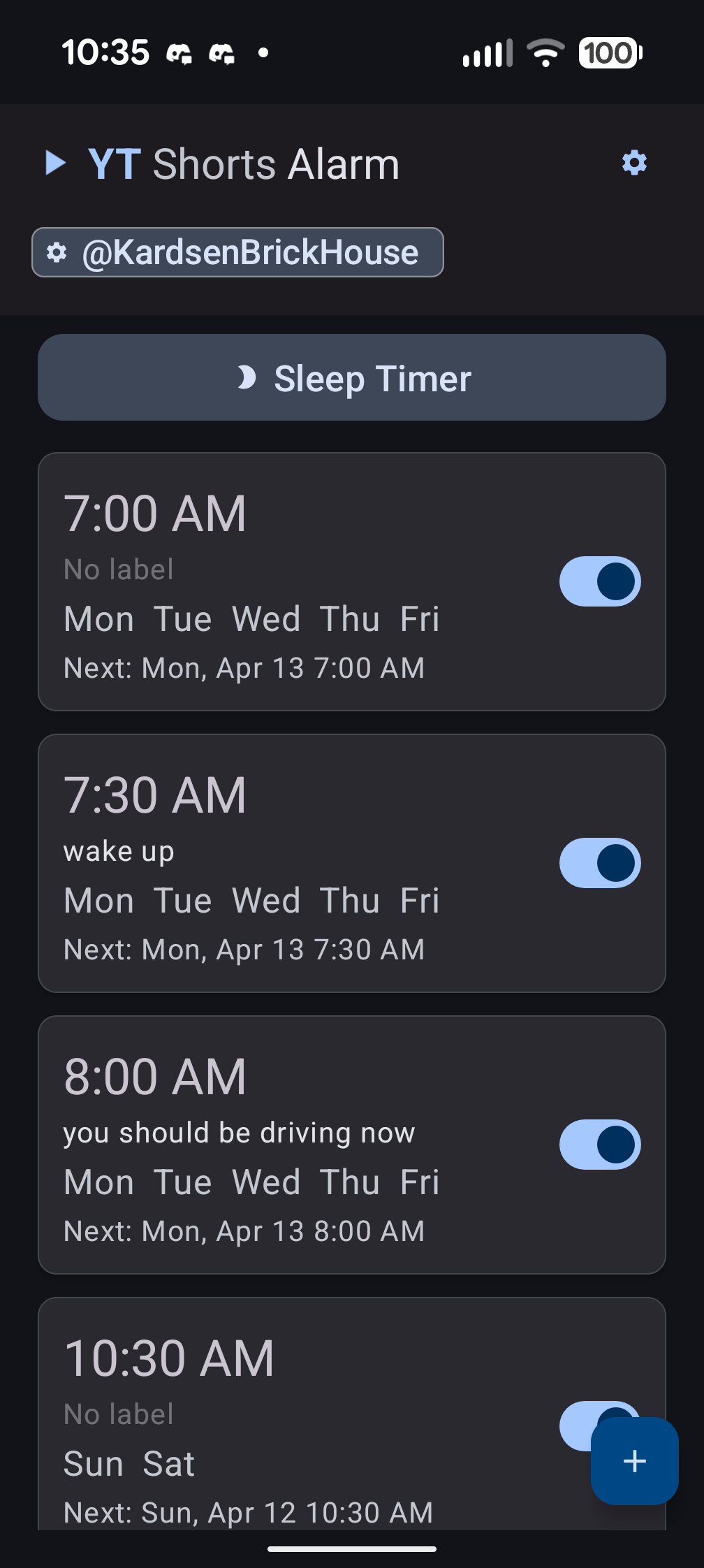
Dashboard
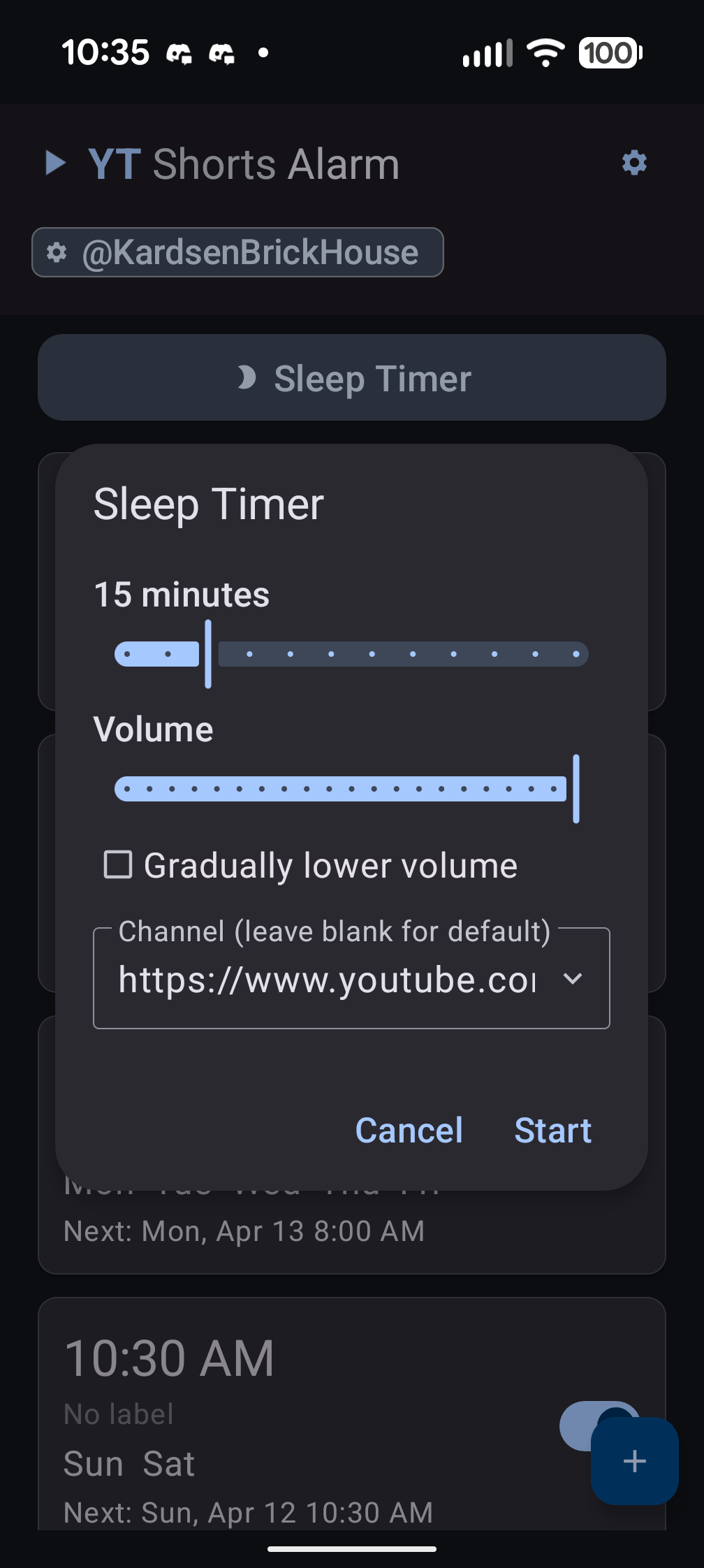
Sleep Timer
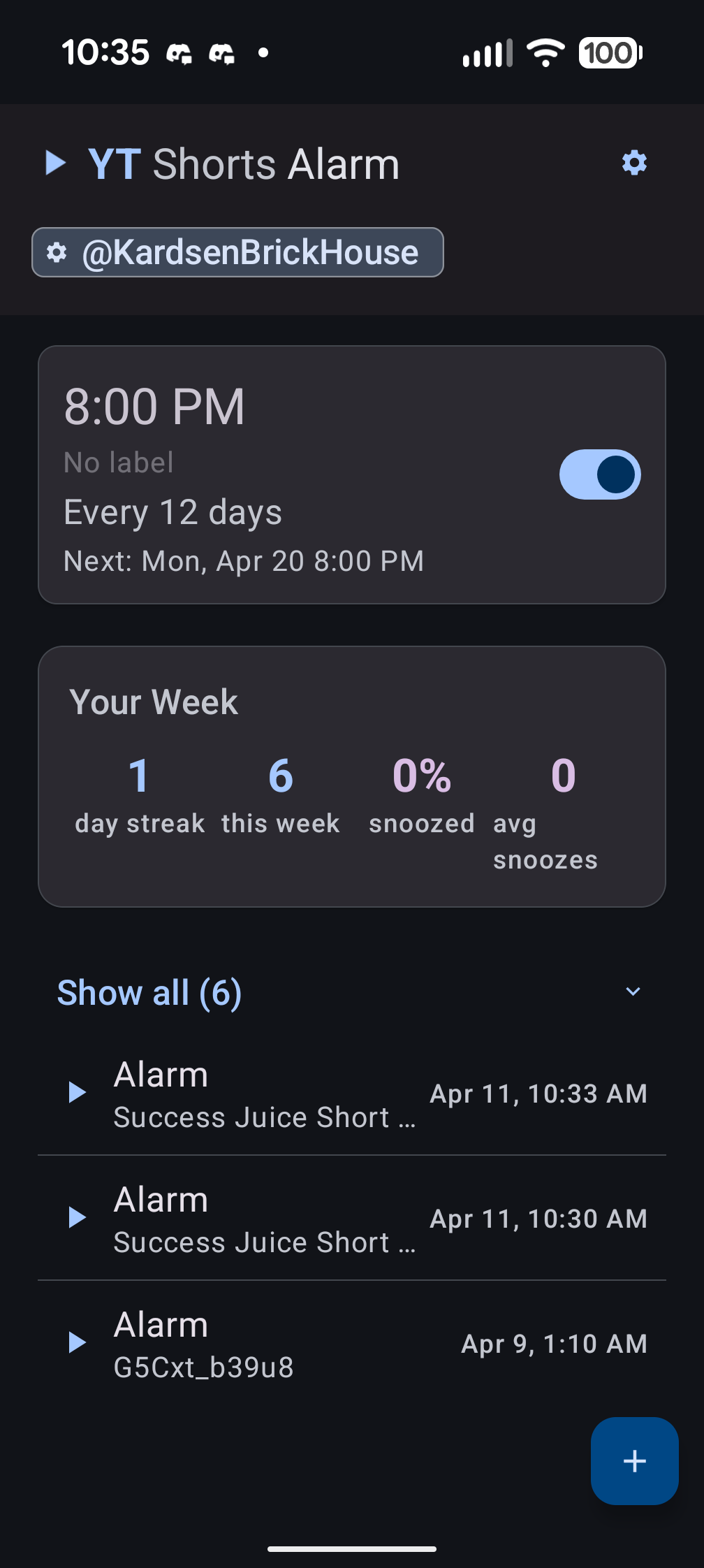
Stats & History
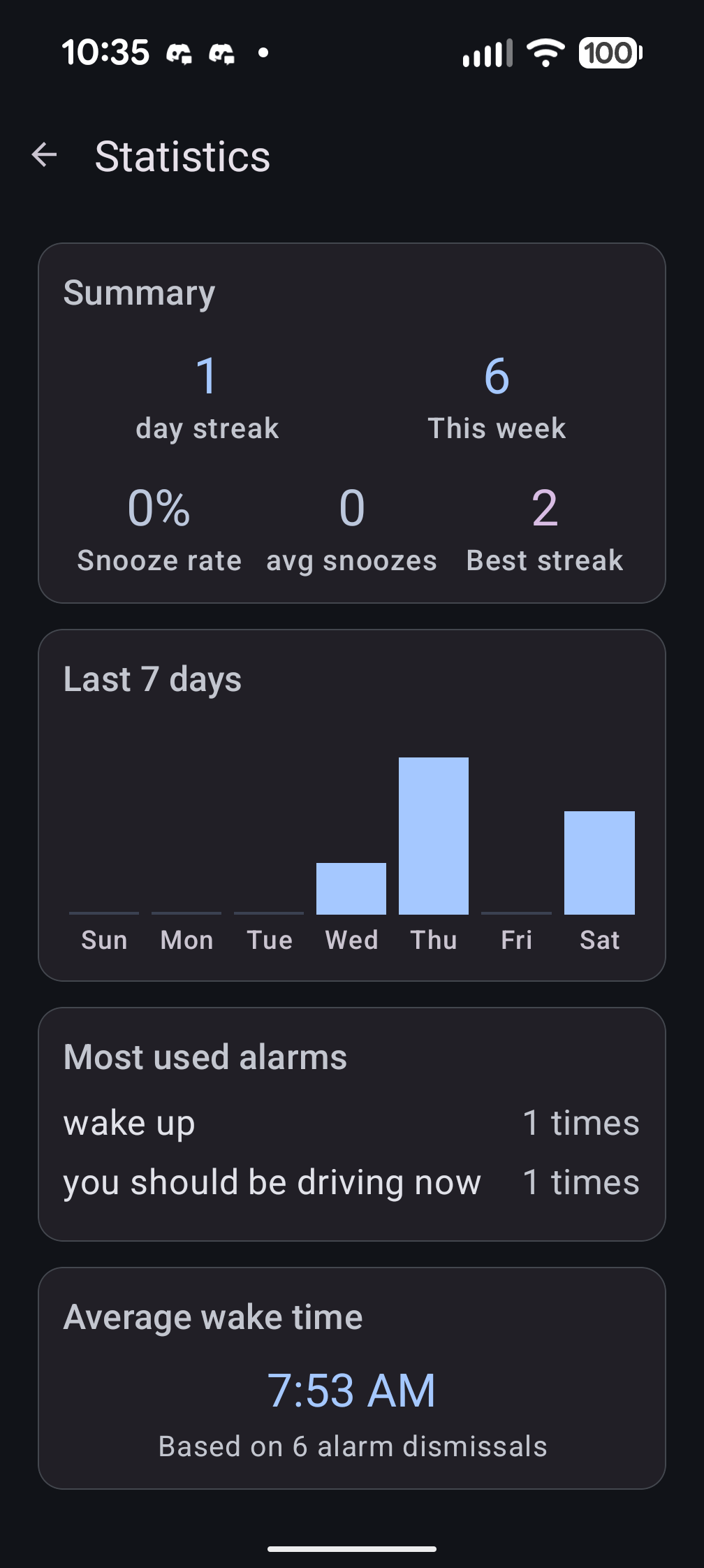
Statistics
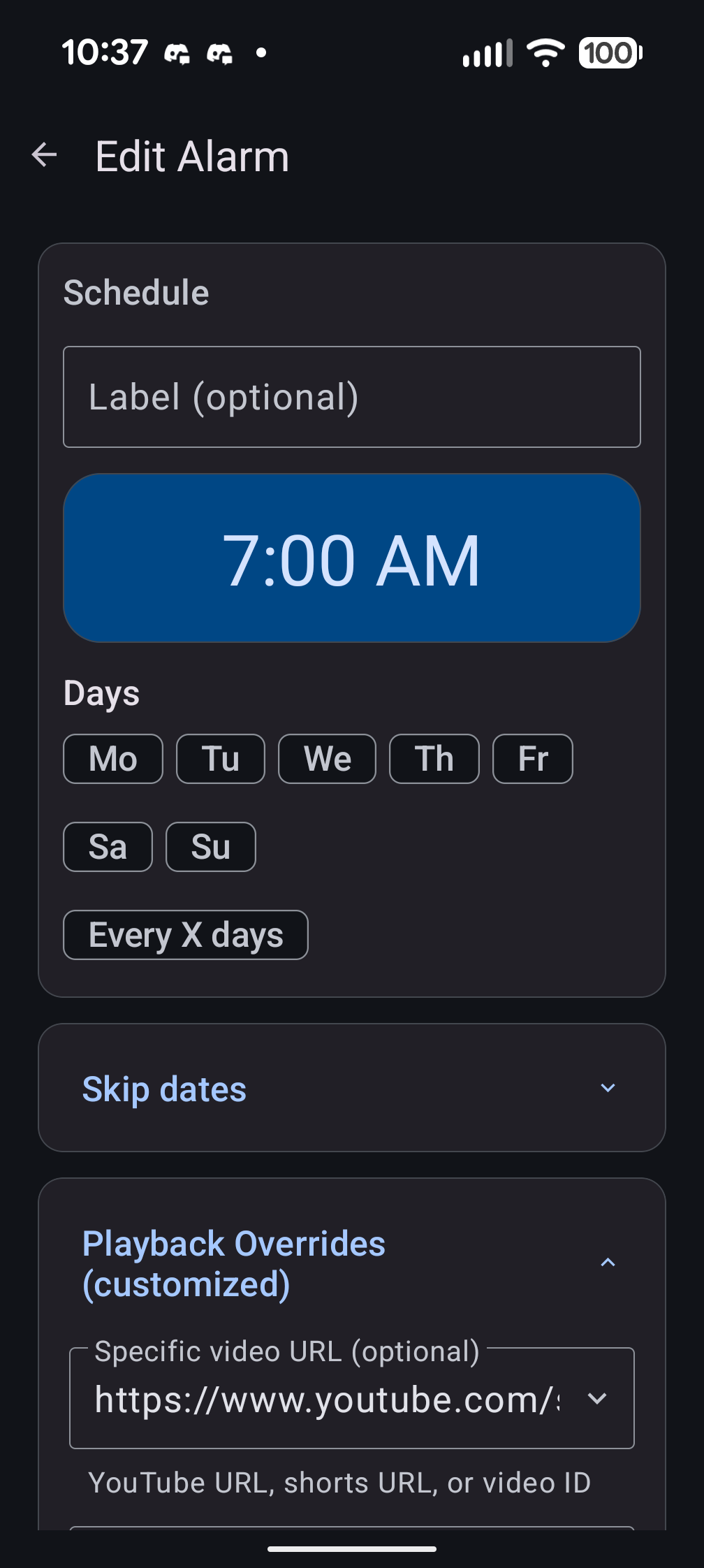
Edit Alarm
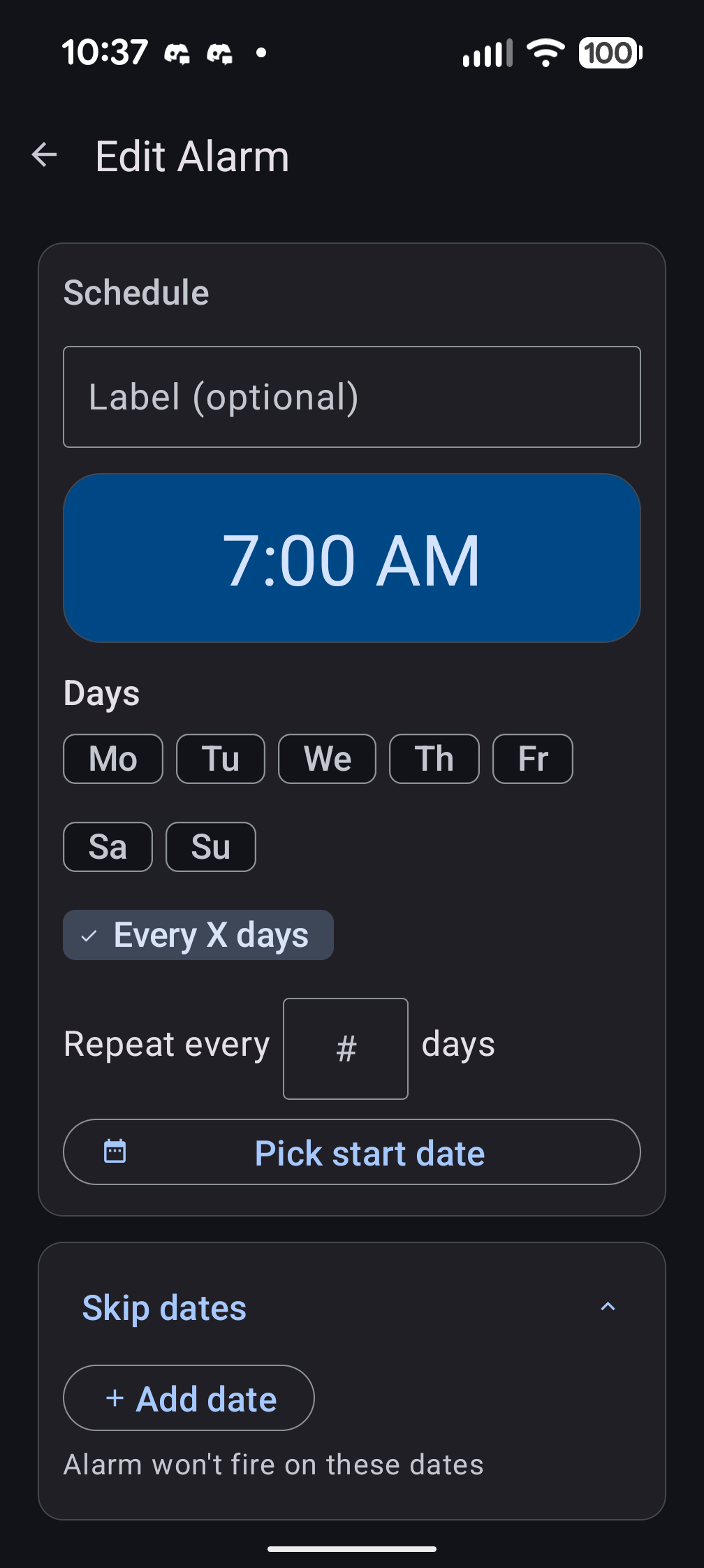
Skip Dates
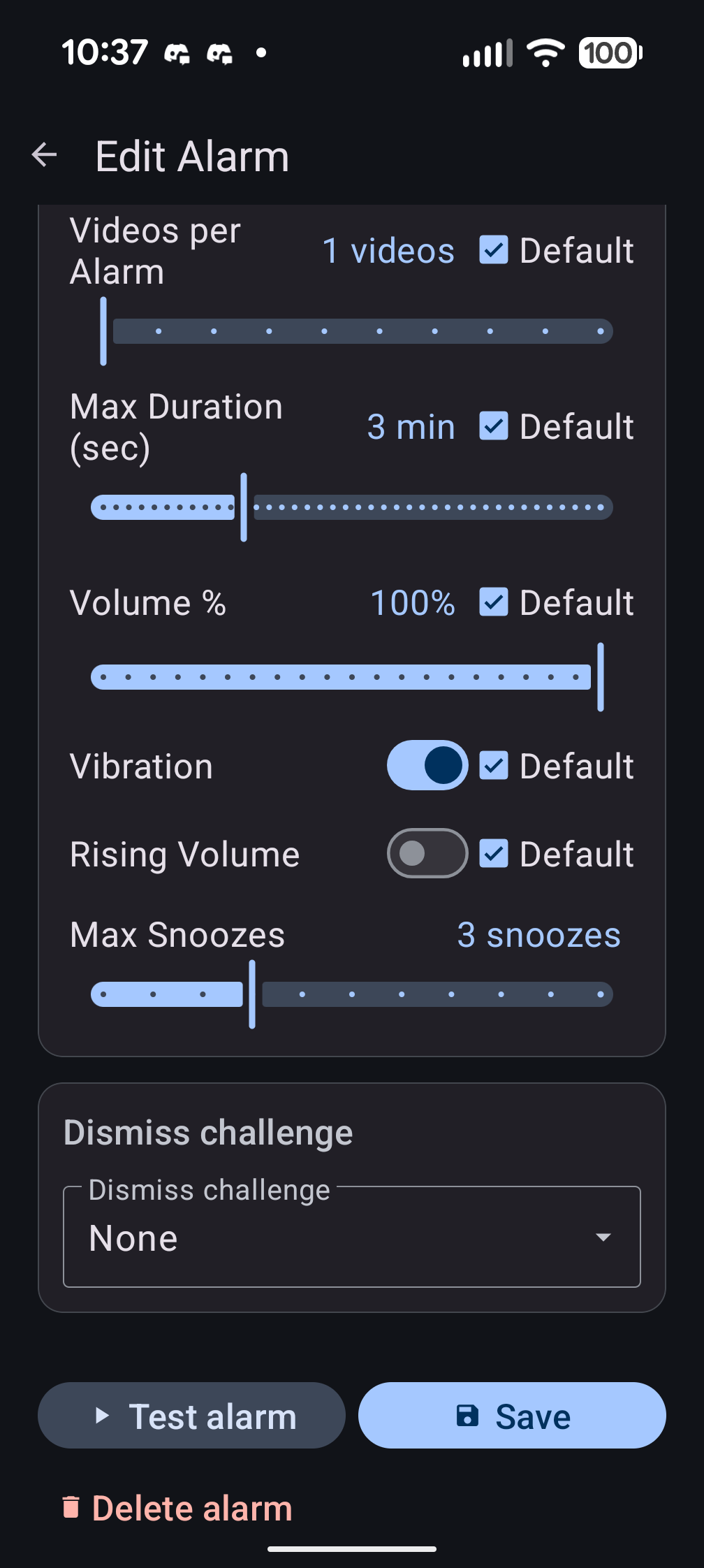
Playback & Challenges
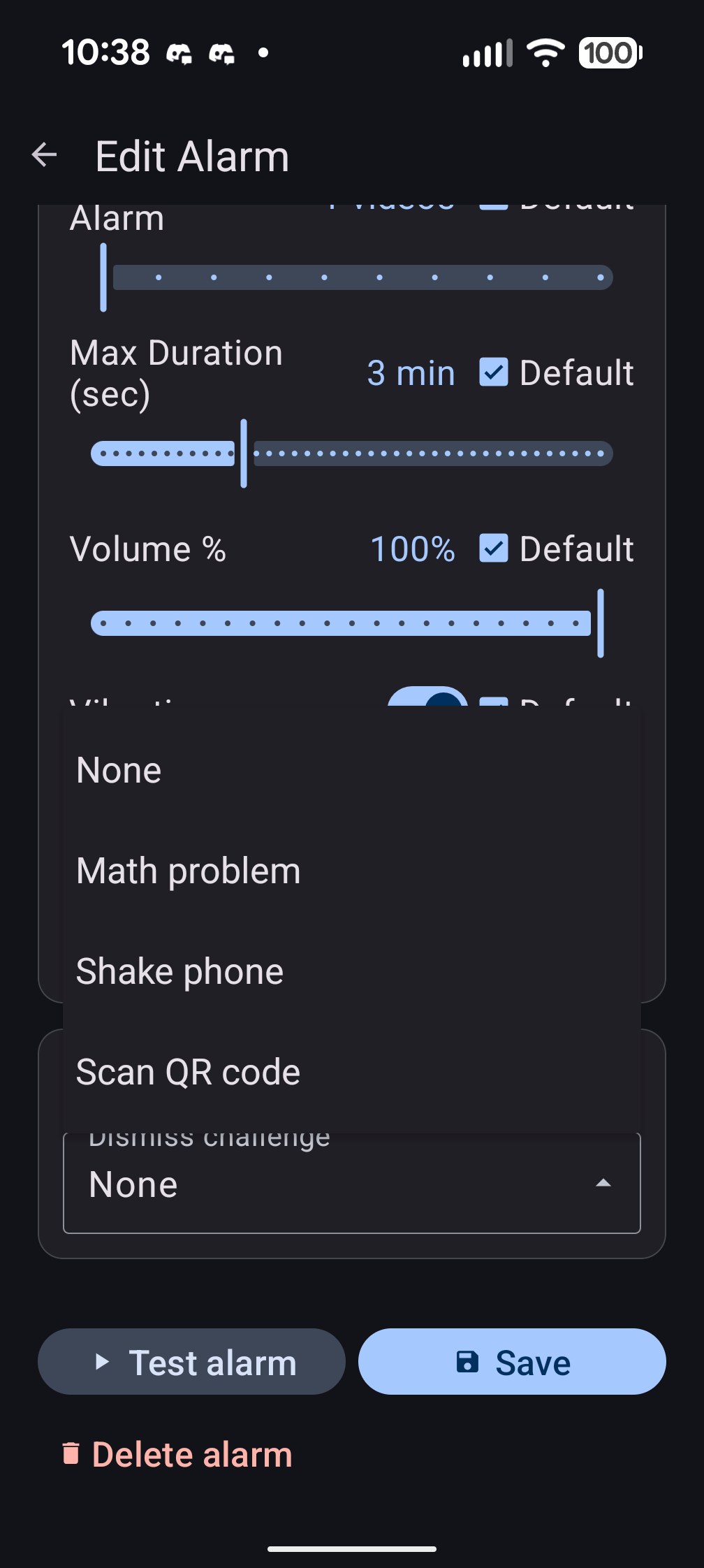
Dismiss Challenges
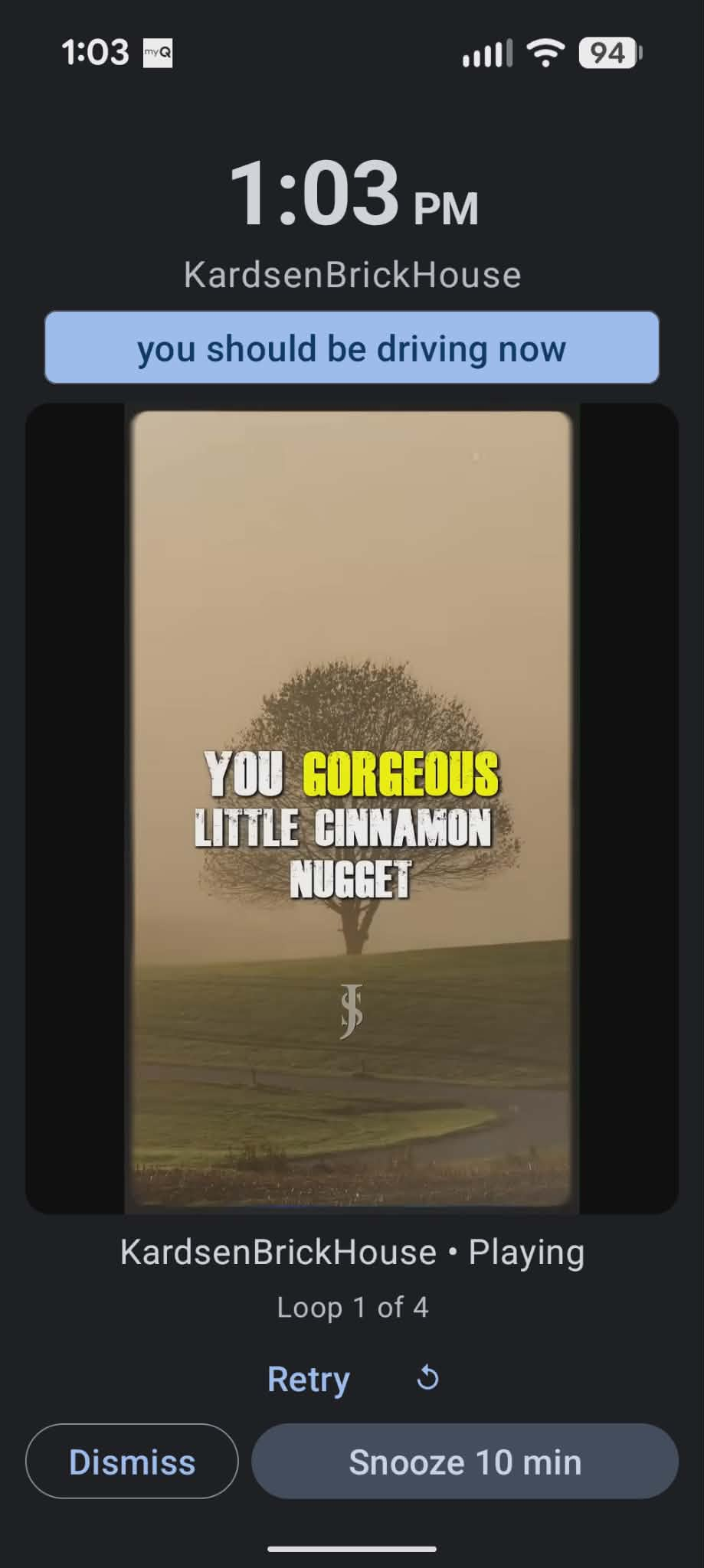
Alarm Playing
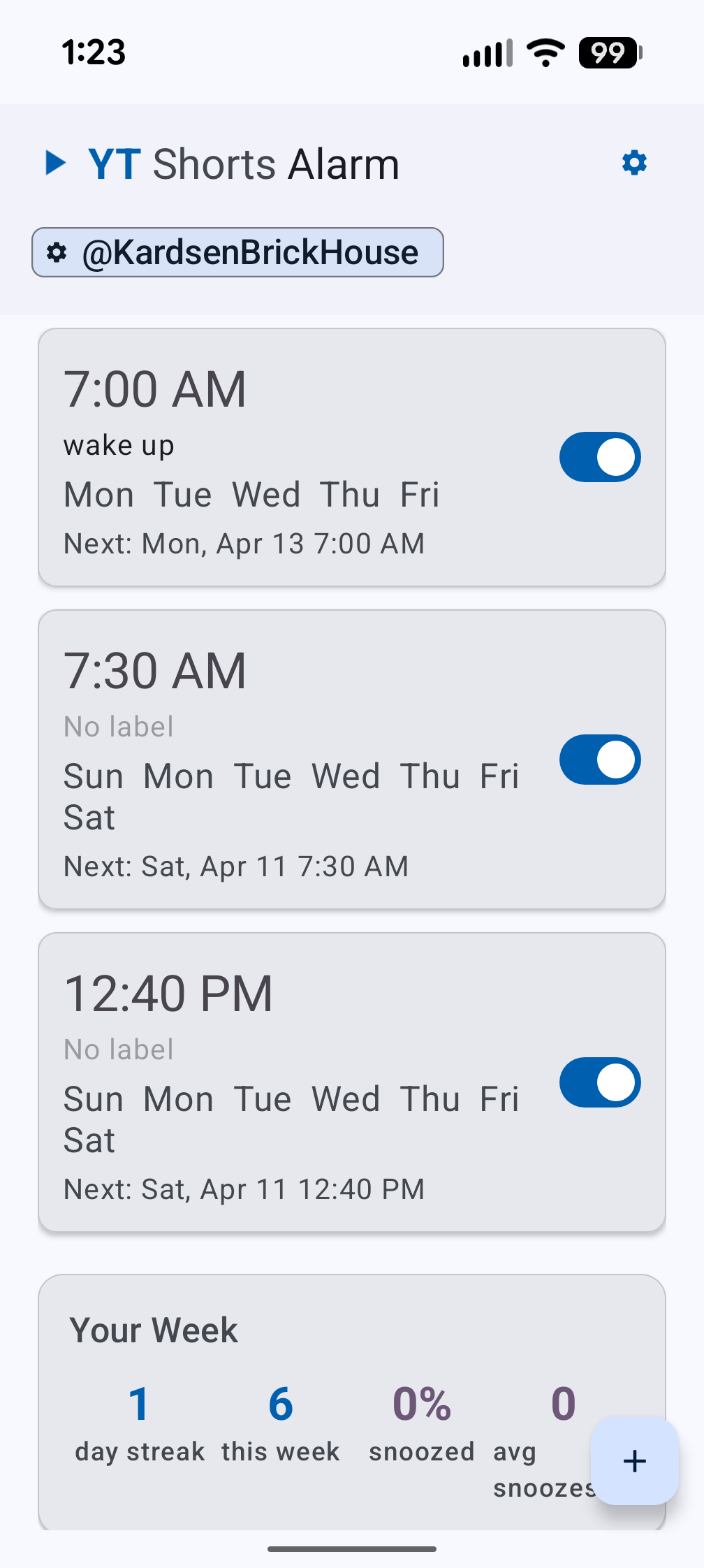
Dashboard
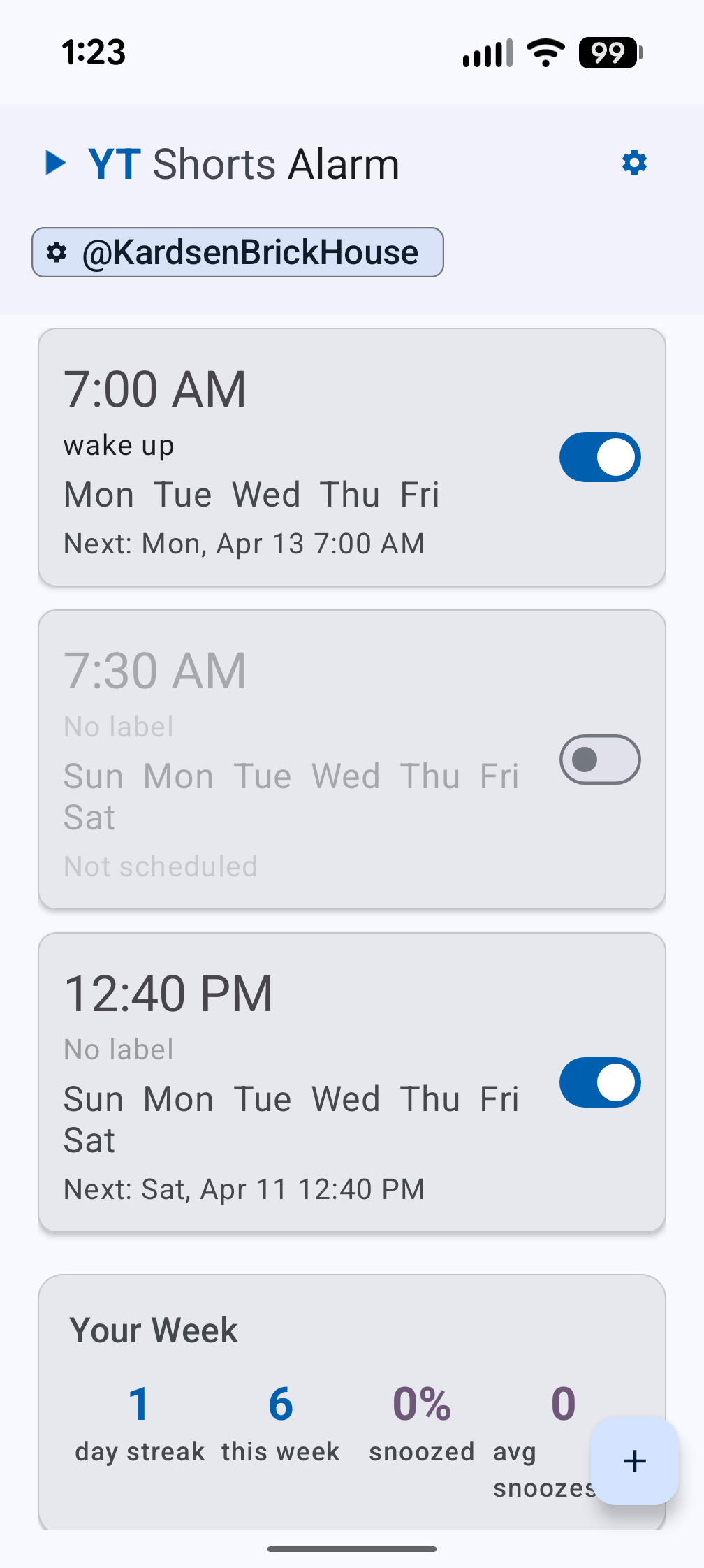
Disabled Alarm
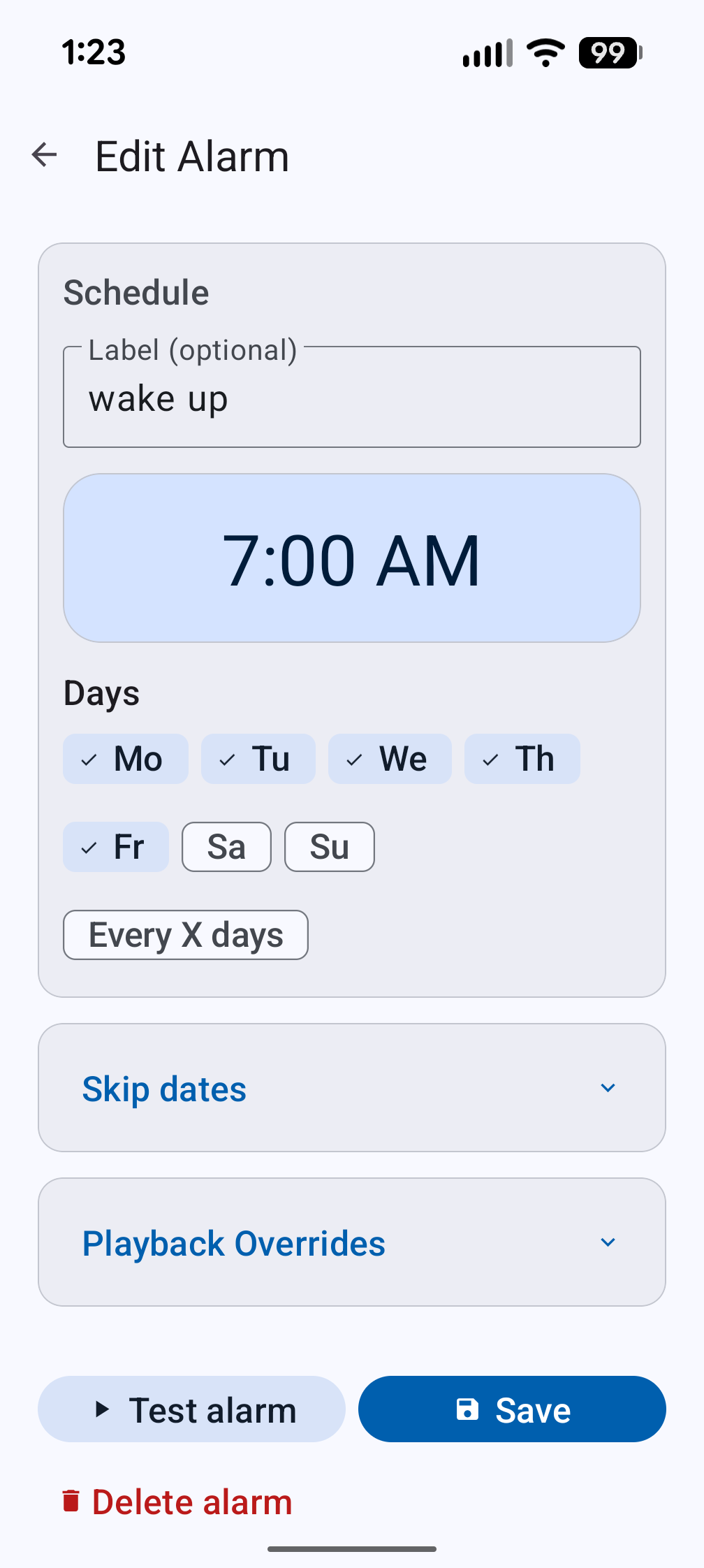
Edit Alarm
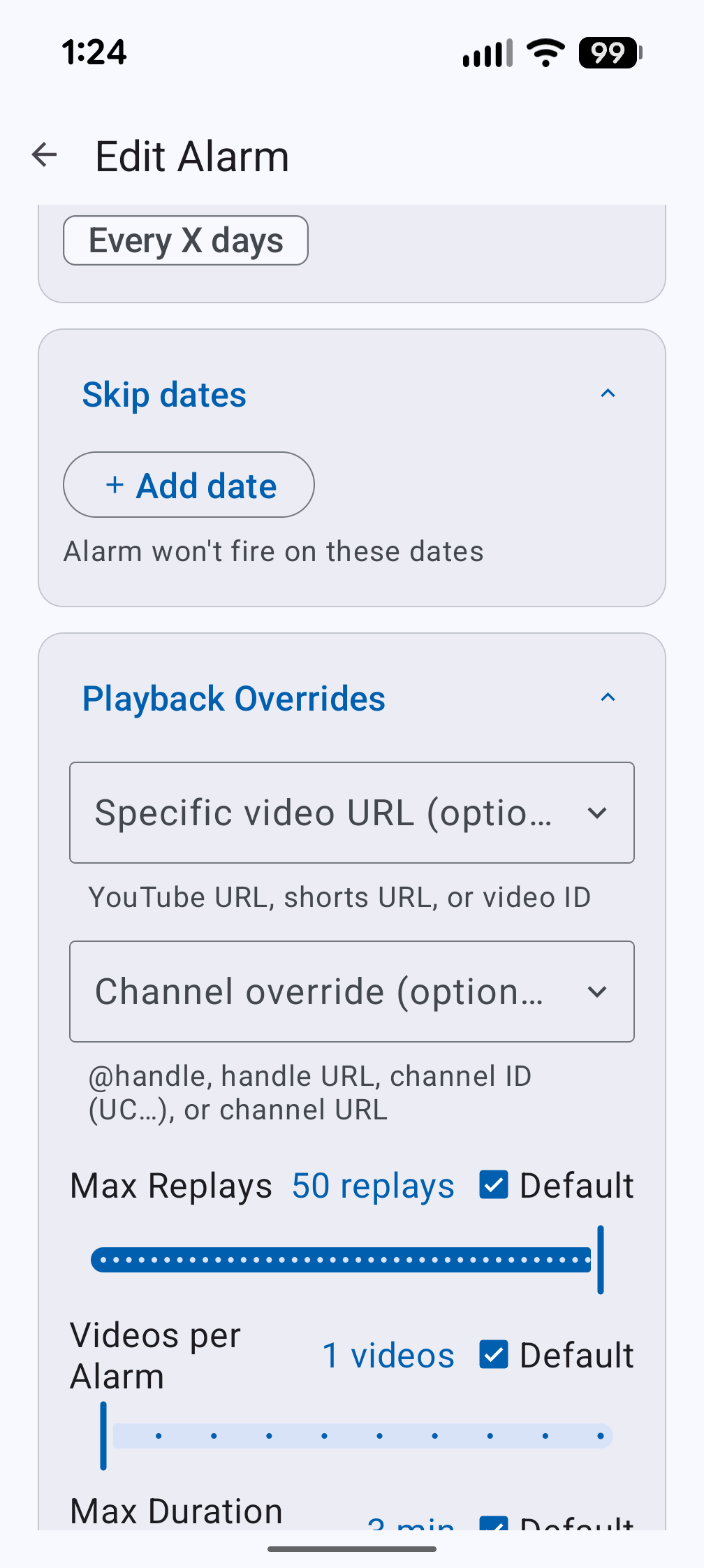
Skip Dates & Overrides
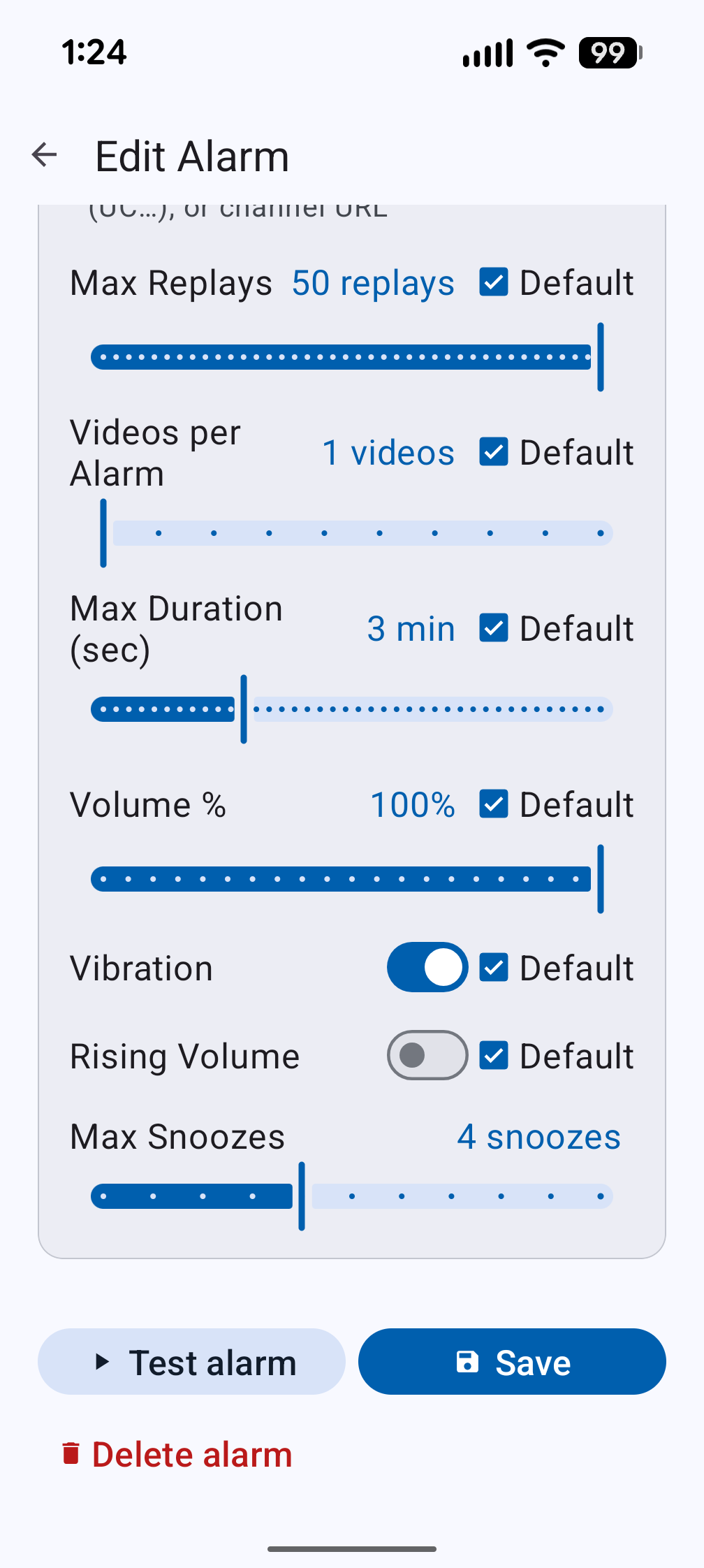
Playback Controls
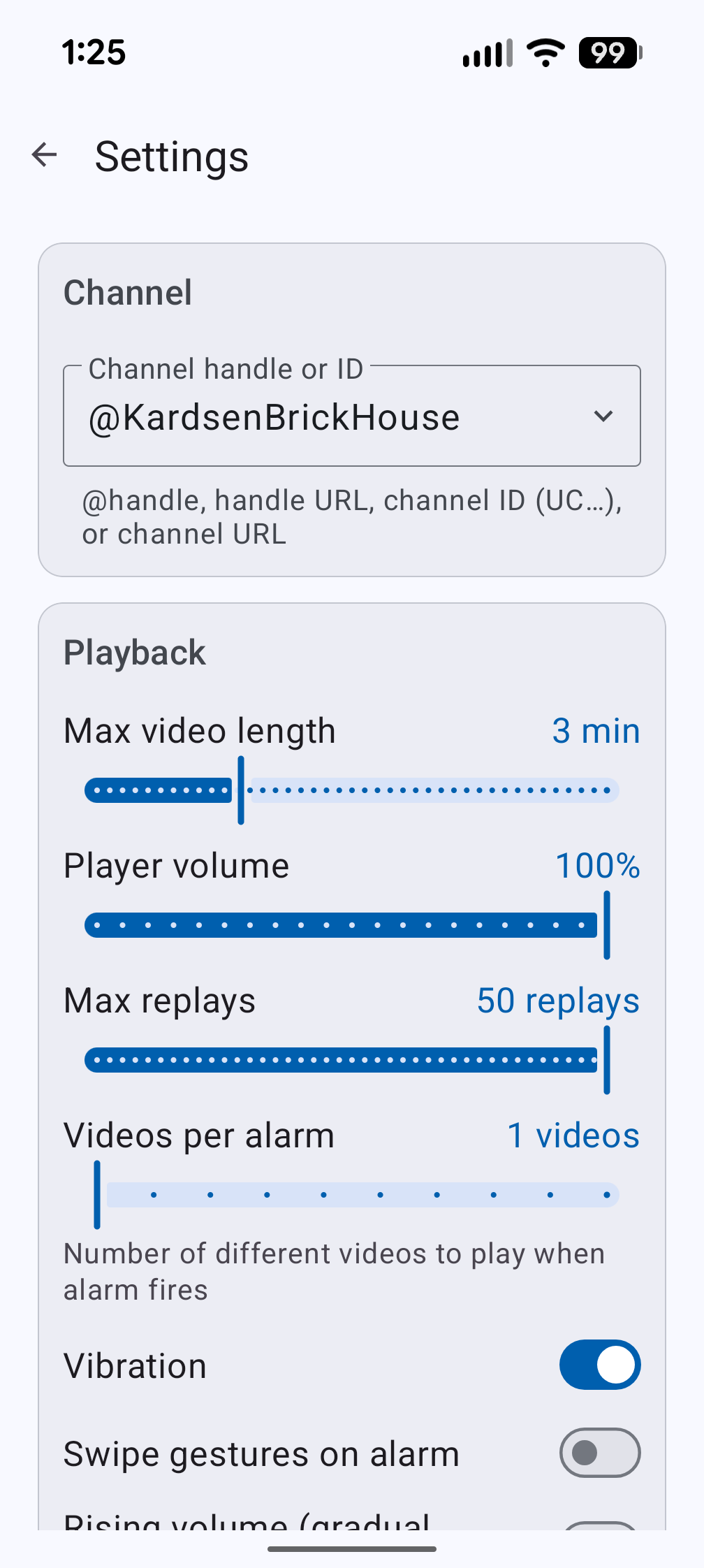
Playback Settings
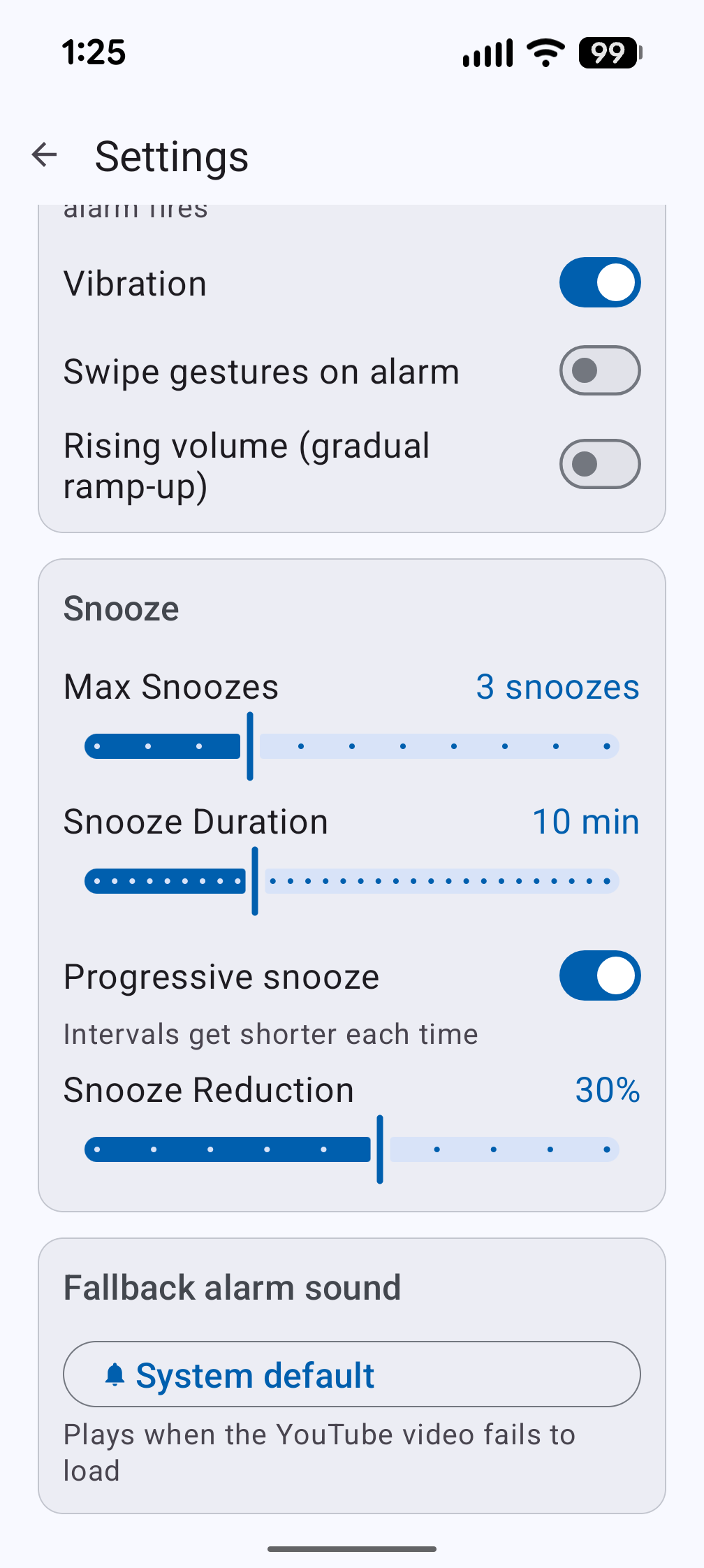
Smart Snooze
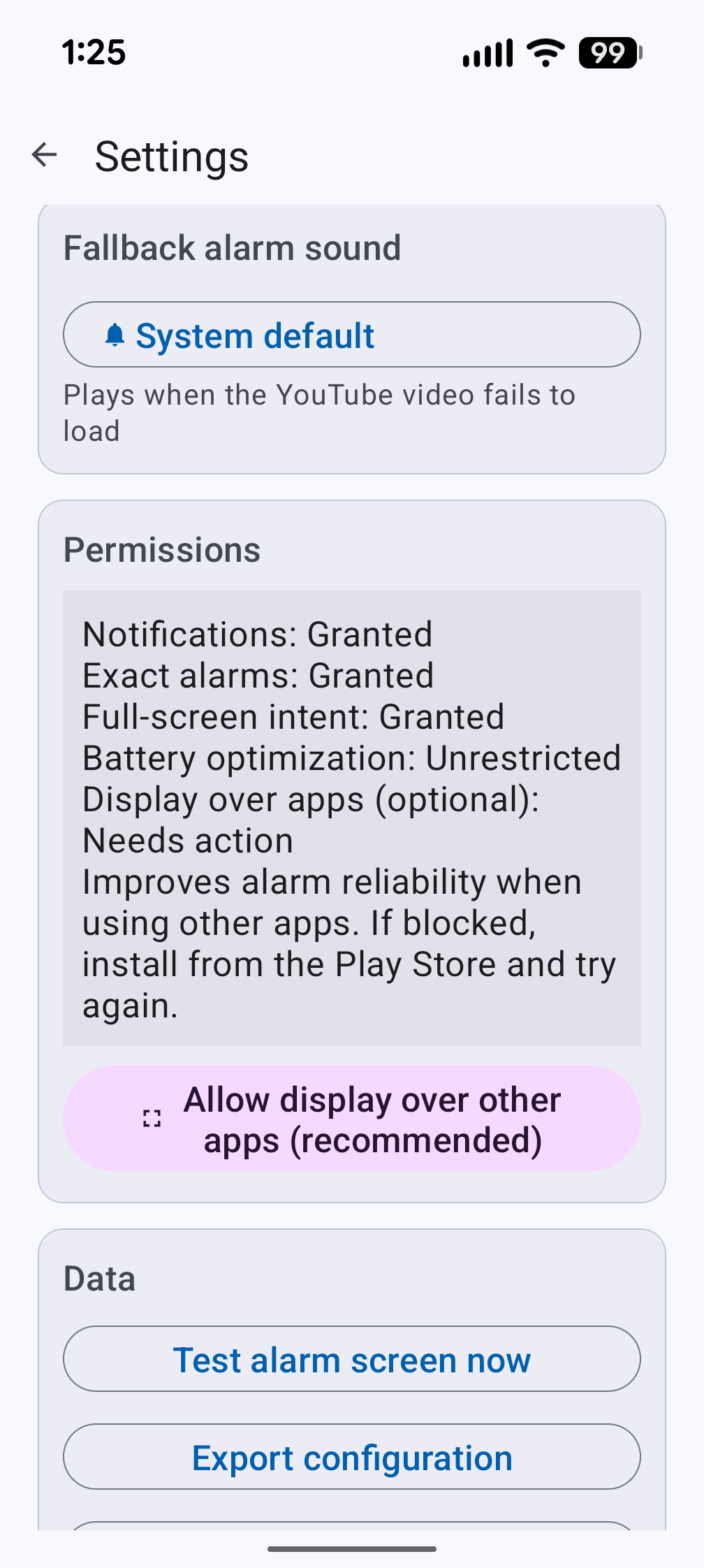
Permissions & Data
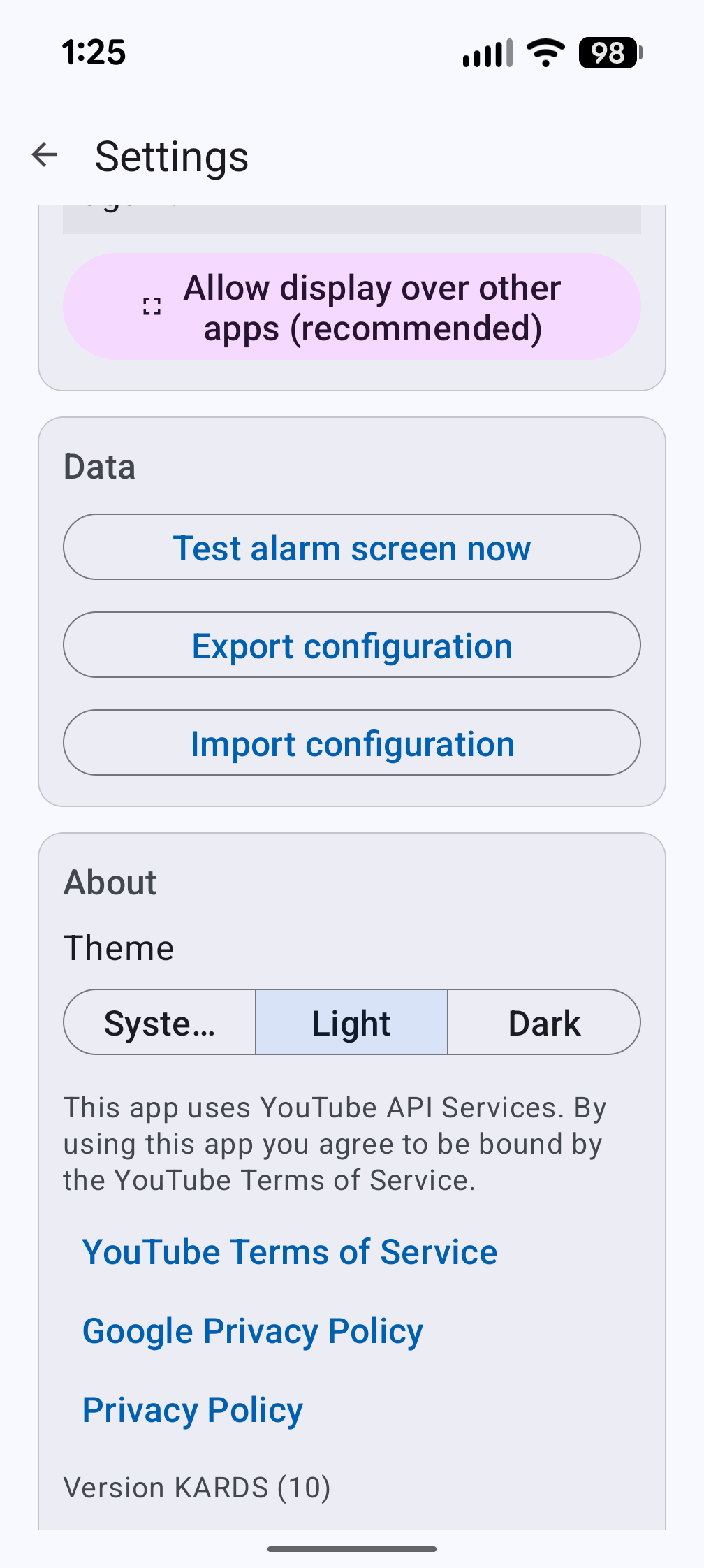
Theme & About
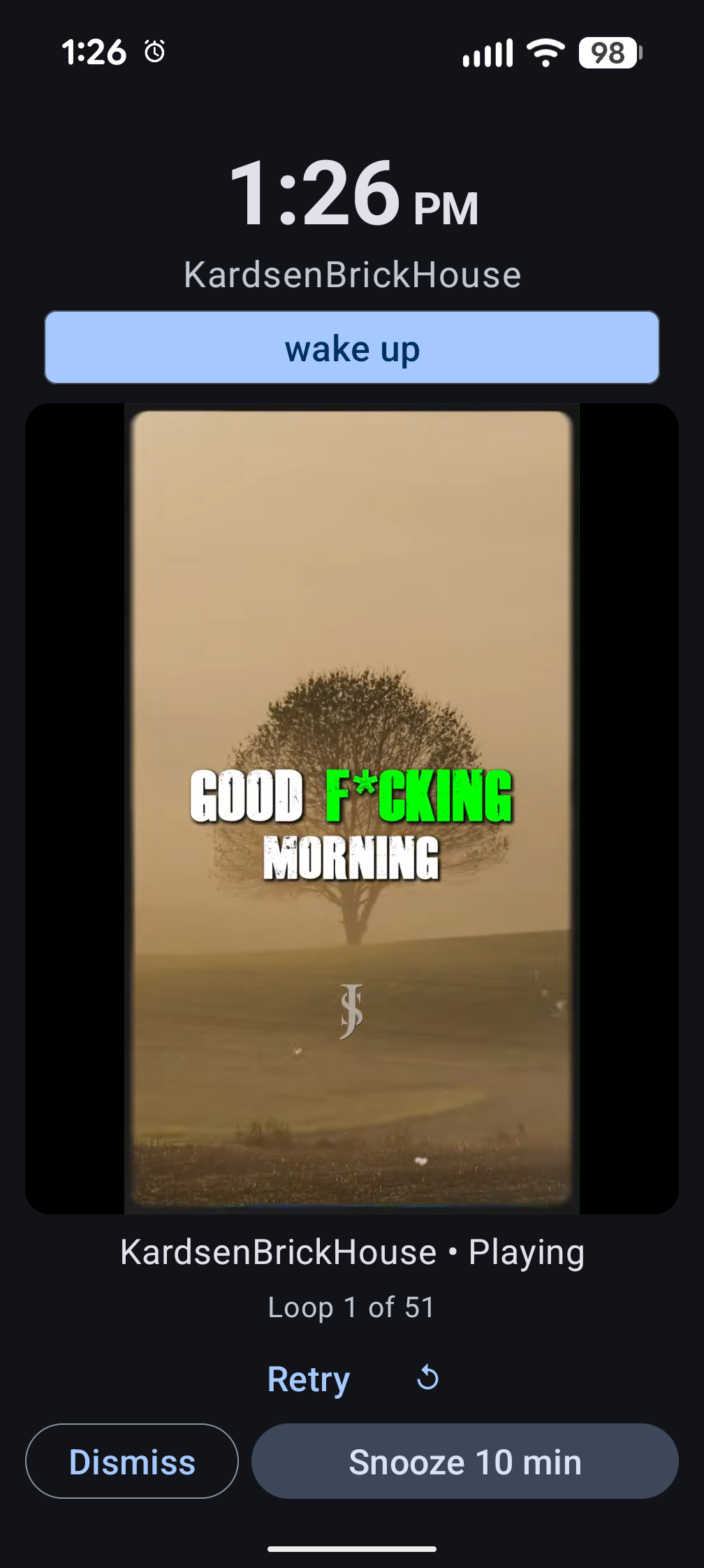
Alarm Playing
Built Right.
Simple, transparent pricing.
Try everything free
- All Pro features unlocked
- No credit card required
After the trial, keep the free tier or choose a plan below.
Flexible access
- Unlimited alarms
- Per-alarm playback overrides
- Specific video & playlist mode
- Rising volume
- Smart progressive snooze
- Dismiss challenges (math, shake, QR, barcode, typing)
- Wake-up confirmation
- Alarm archive & per-alarm stats
- Interval scheduling
- Import/export configuration
Cancel anytime.
One payment. Forever.
- Everything in Pro Monthly
- One-time payment
- Never pay again
Price expected to increase over time.